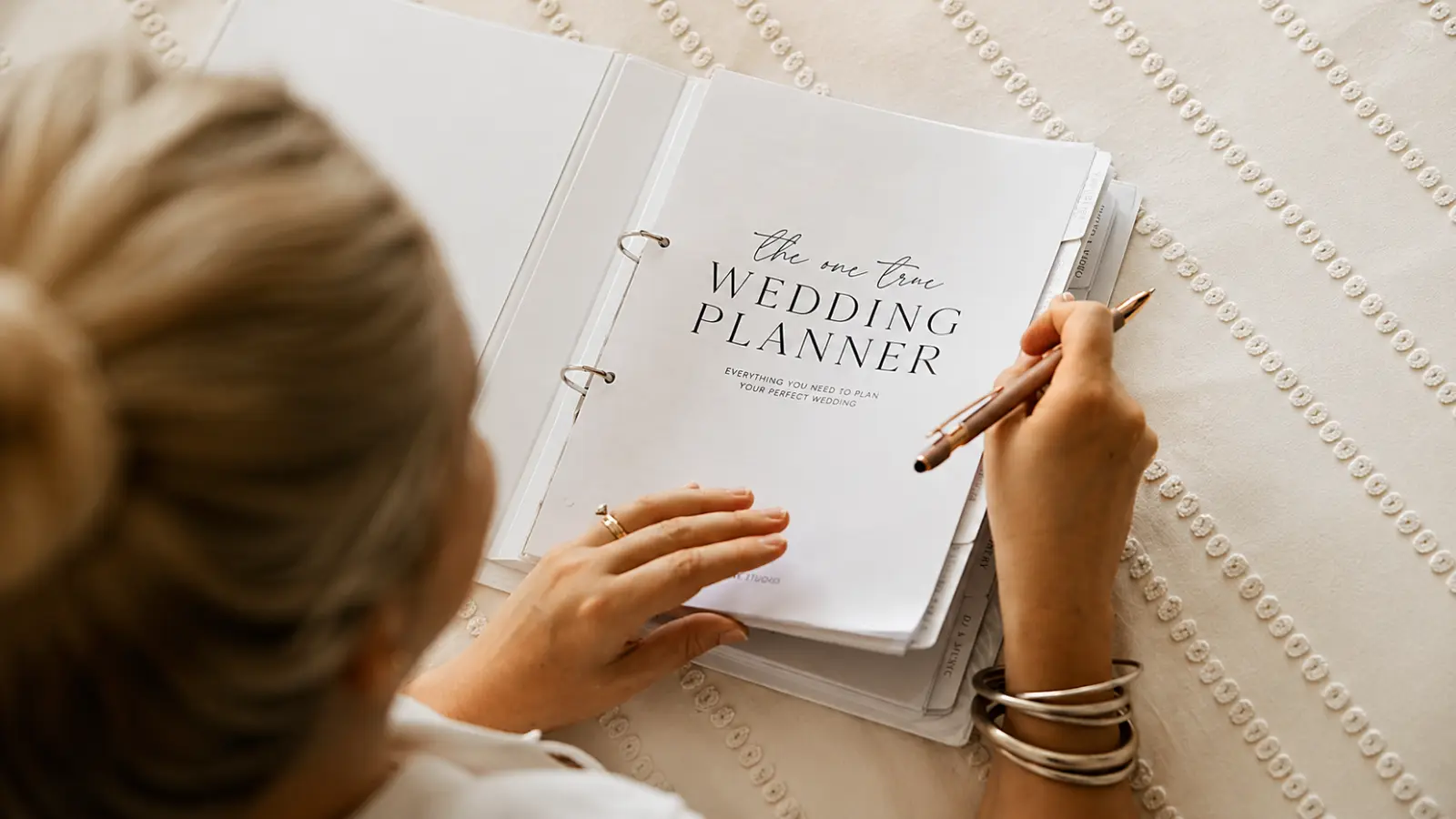
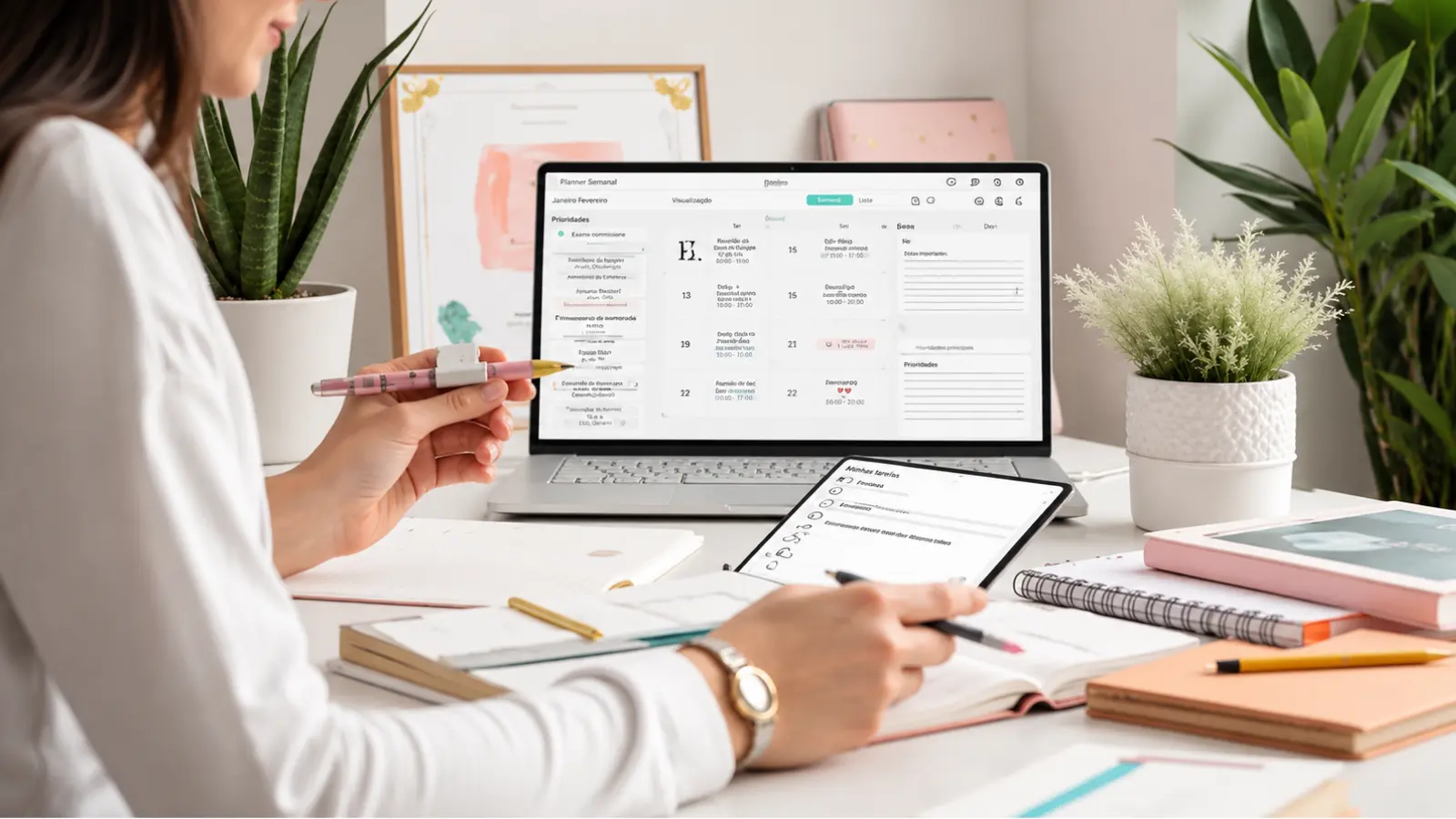
A Wedding Planner Template should do more than give you attractive pages to fill in. A complete planner should help you remember decisions, track commitments, find important information quickly, and see what needs attention next, whether you use it digitally, print it into a binder, or combine both formats.
The most useful planner structure gives each section one clear job. The Calendar holds dates, the Checklist holds actions, Budget pages summarize financial decisions, Guest and Vendor sections hold the people involved, Contracts record commitments, and Notes capture information that does not belong anywhere else.
This Wedding Planner Template guide shows what a complete personal wedding planner should include, what belongs in each section, and when those sections need updating. The goal is not to create more pages — it is to build a planner that stays useful from early planning through final wedding-day handoffs.
Start With the Planner Architecture
A planner becomes easier to use when each section has a defined job. The calendar should not double as the checklist; the checklist should not become the vendor database; and the notes section should not be where important contracts disappear.
Think of the planner in three layers. The first is what is happening: calendar, checklist, and timeline. The second is who and what is involved: guests, vendors, contracts, and seating. The third is supporting information: budget, notes, and emergency contacts.
That structure works whether the wedding planner template is a digital file, a wedding planner printable, or a physical binder assembled from individual pages.
The planner should make information easier to retrieve, not simply give you more places to write it down.
What Every Complete Wedding Planner Should Include
The table below defines the core sections, the information each section should own, and the moments when updates are most useful.
| Section | What to Record | Update When |
|---|---|---|
| Calendar | Appointments, payment dates, deadlines, fittings, meetings, RSVP dates | A date is confirmed or changes |
| Checklist | Tasks, deadlines, owner, priority, status | A task starts, changes, or is completed |
| Budget | Category caps, quotes, commitments, paid amounts, balances | A quote, contract, or payment changes |
| Guests | Names, households, RSVP, meal, dietary, plus-one, notes | Invitation or RSVP information changes |
| Vendors | Company, contact, category, status, quote, notes | Research, conversations, or booking status changes |
| Contracts | Signed date, total, deposit, balance, deadlines, cancellation terms, key obligations | A contract is signed or amended |
| Timeline | Planning milestones, vendor timing, ceremony/reception anchors | The schedule or logistics change |
| Seating | Confirmed guests, table assignments, household/group notes | RSVPs or table plans change |
| Notes | Decisions, questions, ideas, measurements, reference details | Information does not fit another core section |
| Emergency Contacts | Name, role, phone, vendor/company, wedding-day responsibility | Roles or contact details change |
The sections can be reordered to match your planning style, but each one should remain distinct enough that you always know where to look first.
Calendar: Keep Every Important Date Visible
The calendar is the planner’s date layer. It should show commitments that happen on a specific day, not every task associated with them.
Add venue tours, vendor meetings, tastings, fittings, payment deadlines, invitation dates, RSVP deadlines, final-count dates, rehearsal timing, and any appointment that would create a problem if missed.
A monthly calendar works well for overview, while a date list can make future deadlines easier to scan. In a printed planner, use both only if they serve different purposes.
The calendar should tell you when. The checklist should tell you what to do.
Checklist: Turn the Plan Into Actions
The checklist is where broad planning goals become individual actions. Each task should have enough context to be completed without needing to reinterpret it later.
Record the task, deadline, owner, status, and priority. Add a dependency when the task cannot begin until another decision is complete.
For example, “finalize place cards” depends on final RSVP and seating information; “confirm rental count” may depend on the final guest count and floor plan.
The complete wedding planning checklist can handle the full planning sequence. Inside a planner template, the job is simply to keep current actions visible.
Budget: Track the Financial Plan at a Glance
The planner’s budget section should summarize what has been allocated, committed, paid, and left to pay without becoming a second full accounting system.
Record category budget, current quote, contracted amount, deposit, balance, and due date. Keep contingency visible rather than distributing every dollar across categories.
If the financial plan becomes detailed, use the dedicated wedding budget spreadsheet for deeper payment tracking and let the planner hold only the summary you need during planning sessions.
A planner should help you find the number quickly; it does not need to duplicate every transaction.
Guests: Keep the Master Attendance Record
The guest section should own the master guest information used throughout planning.
Keep households and individual guests clear, especially when invitations are mailed by household but meals, seating, and dietary needs apply to individuals. Useful fields include RSVP, plus-one status, meal choice, dietary notes, mailing details, and guest category.
Avoid maintaining separate handwritten and digital guest lists once RSVPs start arriving unless one is explicitly a read-only copy.
Seating and final vendor counts are only as reliable as the guest record they come from.
Vendors: Record Research and Bookings
The vendor section should make it easy to see who you are considering, who you contacted, and who is booked.
For each vendor, record category, company, primary contact, email or phone, website, quote, status, next step, and notes that affect the decision.
Do not overload the planner with every message exchanged. Keep only the information needed to evaluate or manage the relationship; save detailed communication in the original email or contract file.
The planner is the index to the relationship, not the archive of every conversation.
Contracts: Keep Commitments Easy to Find
Contract information deserves a dedicated section because it controls both money and logistics.
For every signed agreement, record the total amount, deposit, remaining balance, payment dates, contracted hours, important deliverables, cancellation terms, overtime or extension rules, and any obligation the couple must complete.
A printable planner can include a contract-summary page plus a pocket or folder for copies. A digital planner can link to the signed file rather than embedding the entire document.
The important details should be visible without rereading every contract from page one.
Timeline: Connect Planning Dates to Wedding-Day Timing
The timeline section should capture the schedule that other people and decisions depend on.
During planning, record milestones such as invitation mailing, RSVP cutoff, final guest count, final fittings, vendor confirmations, and rental deadlines. Closer to the wedding, add major wedding-day anchors such as venue access, vendor arrival, ceremony start, reception start, transportation, and end time.
Keep the planner version high level. The specialized wedding-day timeline can handle minute-by-minute sequencing.
A useful timeline is a coordination tool, not another checklist written in chronological order.
Seating: Build From Confirmed Guest Data
The seating section should begin with confirmed attendance, not the original invitation list.
Record table assignments, household or relationship notes, accessibility considerations, and any placement issue that matters when arranging the room.
For a wedding planner printable, simple table sheets can be enough. For a more visual workflow, a dedicated seating chart tool is better suited to floor plans, table shapes, capacities, and drag-and-drop movement.
Preserve the assignment logic in the planner, and let a dedicated seating tool handle the visual layout.
Notes: Give Loose Information a Real Home
Notes are useful only when they capture information that genuinely does not belong in another section.
Use them for decision summaries, questions to ask at a meeting, measurements, wording drafts, family considerations, or reference details you may need later.
Avoid using Notes as the default destination for everything. If a note affects a contract, budget, guest record, or deadline, move the final information into the section that owns it.
Think of notes as temporary holding space until the information becomes a decision.
Emergency Contacts: Prepare the Handoff
The emergency-contact section becomes most valuable in the final days, when the couple should not be the only people who know how to reach everyone.
Record key vendor contacts, venue manager, planner or coordinator, transportation contact, designated family or wedding-party contacts, and the person authorized to make practical decisions if the couple is unavailable.
Include name, role, phone, company, and responsibility. Keep the list short enough to scan quickly.
A useful wedding planner organizer should make the wedding-day communication chain obvious before anyone needs it urgently.
Digital vs. Printable Wedding Planner
A digital and printable planner can contain the same core sections, but they are useful in different ways.
A digital planner is easier to update, search, link, duplicate, and share. It works especially well for information that changes frequently, such as RSVP status, vendor quotes, or payment records.
A wedding planner printable is useful for meetings, handwritten notes, visual planning, and couples who prefer a binder they can physically work through. It is strongest when pages are intentionally selected rather than printing every possible worksheet.
Many couples will prefer a hybrid approach: digital master records for changing data, printed pages for the sections they actively use by hand.
Free Wedding Planner Template
A free wedding planner template should give couples the full planning architecture without requiring them to design every section from scratch.
Give Every Part of the Plan One Clear Home
A Wedding Planner Template works best when every section has a distinct purpose and the same information is not scattered across several pages. Keep dates in the Calendar, actions in the Checklist, financial summaries in Budget, guest records in Guests, vendor information in Vendors, and final commitments in Contracts.
Choose digital, printable, or hybrid formats based on how you actually plan, not on how many pages you can collect. The strongest wedding planner is the one you can retrieve, update, and hand off easily because every important piece of information has one clear place to live.
Frequently asked questions (FAQ)
What should a wedding planner template include?
A complete wedding planner template should include a calendar, checklist, budget, guest list, vendor records, contract summaries, planning and wedding-day timeline, seating section, notes, and emergency contacts. Each section should have one clear purpose so important information is easy to find and does not get duplicated across several pages.
Do you need every section in a wedding planner template?
No. Keep only the sections that serve the wedding you are actually planning. A simpler event may not need an extensive seating or rental section, while a wedding with several vendors may benefit from more detailed contract and contact pages. The planner should remain complete for your needs without becoming unnecessarily large.
Is a printable wedding planner better than a digital planner?
Neither format is universally better. Digital planners are easier to update, search, link, and share, which makes them useful for changing information such as RSVPs, quotes, and payments. Printable planners work well for meetings, handwritten notes, and couples who prefer a physical binder. A hybrid system can use digital master records alongside selected printable pages.
How is a wedding planner template different from a wedding planning spreadsheet?
A wedding planner template is organized around sections you consult and work through, while a spreadsheet is better suited to connected data, formulas, filters, and dashboards. They may contain similar information, but a planner prioritizes organization and retrieval, while a spreadsheet is stronger for data that needs to update or interact across multiple views.
Should wedding contracts be stored inside the planner?
Keep a contract summary in the planner with the total, deposit, balance, due dates, key obligations, cancellation terms, and other details you may need quickly. Store the complete signed contract separately in a secure digital or physical location and link or reference it from the planner rather than making the planner the only copy.
How often should you update a wedding planner?
Update the relevant section whenever a decision, payment, RSVP, vendor status, deadline, contract term, or schedule changes. The planner should always reflect the current plan. Information that begins as a note should also move into the appropriate permanent section once it becomes a confirmed decision or commitment.

About the Author
Débora Justo
Founder and editor of EVORÉ, creating practical wedding planning resources, thoughtful inspiration and useful tools for the decisions that shape a celebration.
Read more about the author →