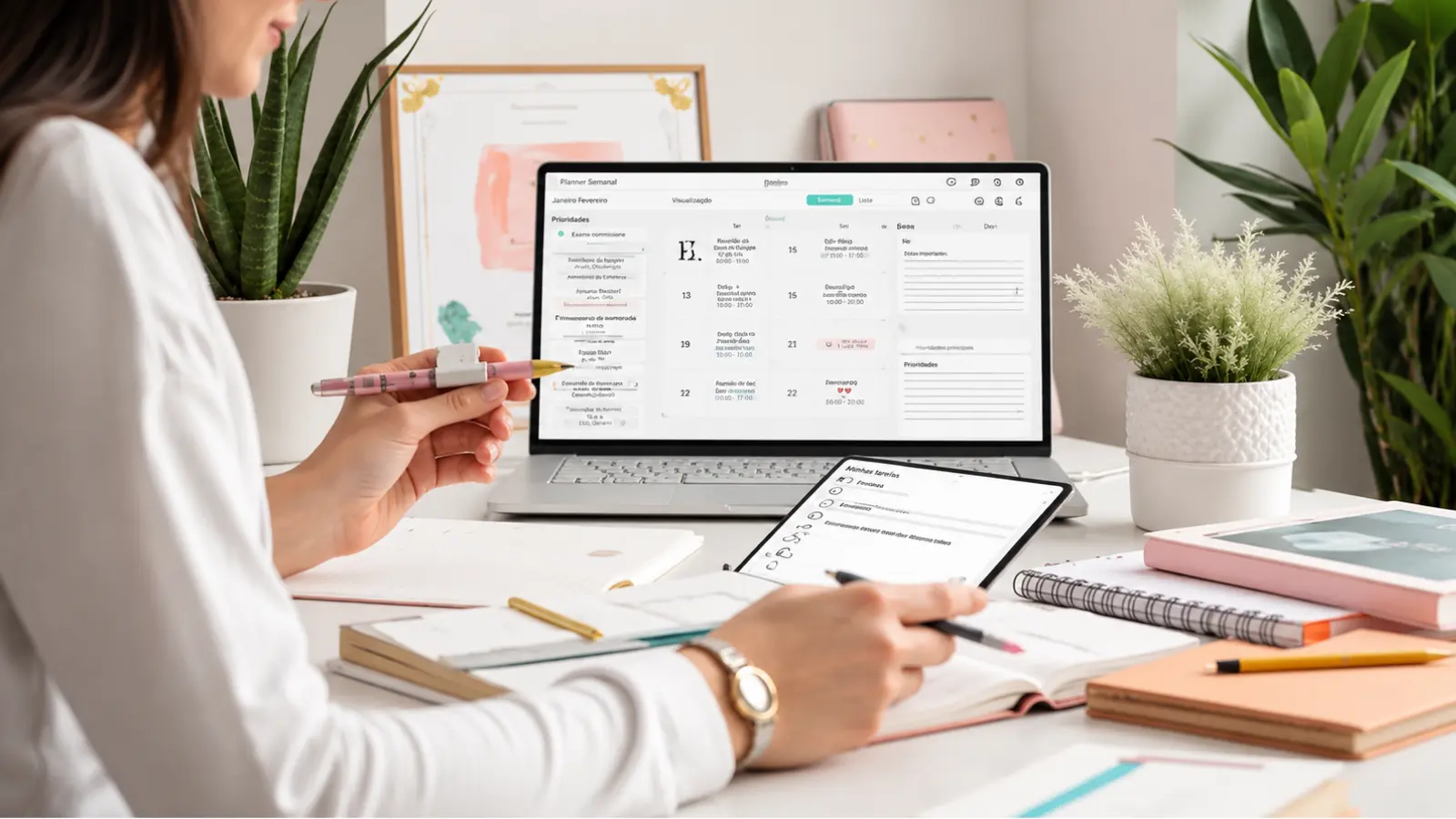
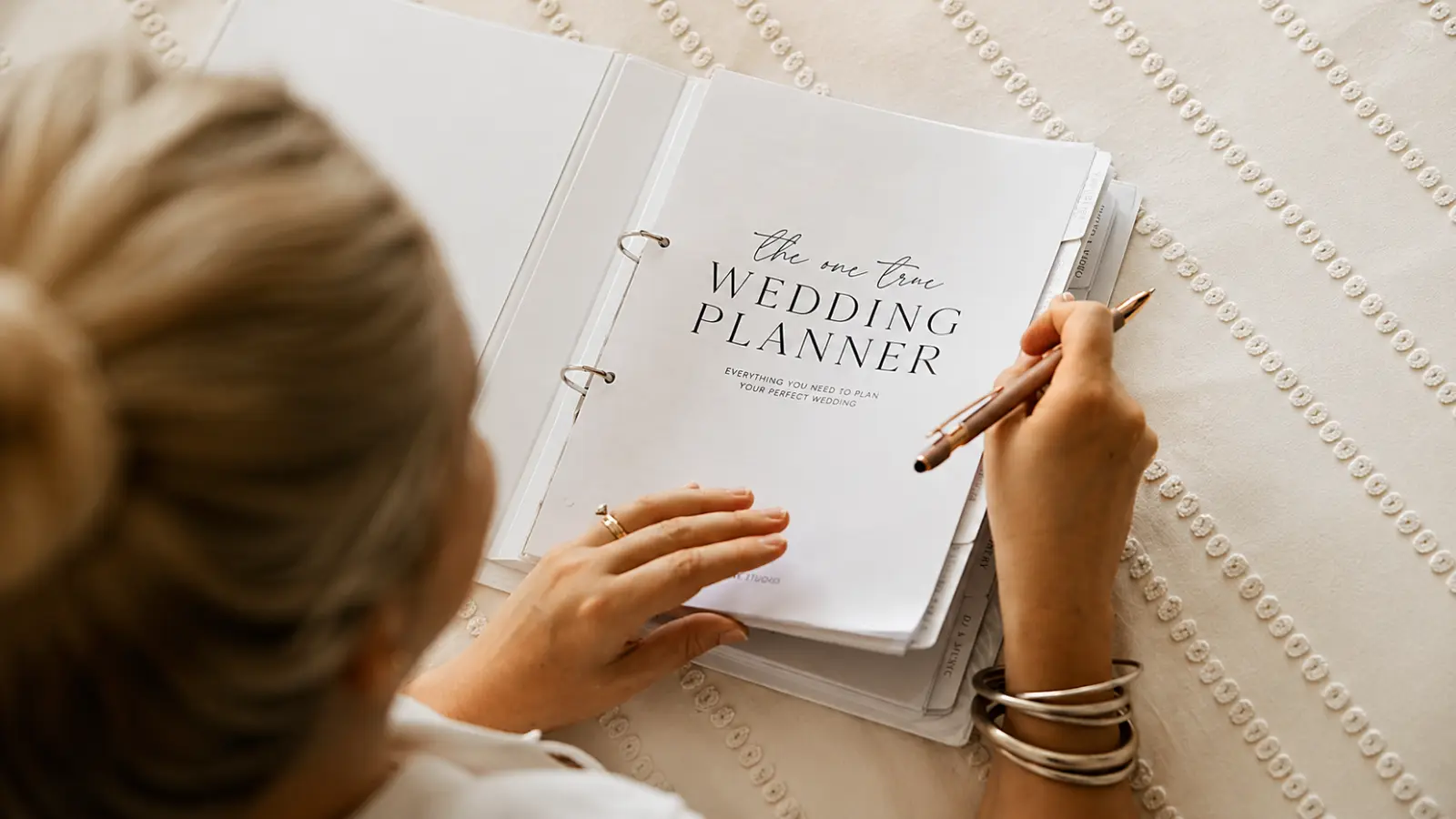
A Wedding Planning Binder works best when it holds the information that genuinely benefits from being on paper, not a printed copy of your entire digital planning system. Use it for quick reference, handwritten notes, meeting pages, current summaries, contracts, receipts, timelines, and documents you may want to review away from a screen.
The key is deciding what belongs on paper and what should remain digital. Live RSVP data, changing budgets, payment status, vendor databases, and detailed spreadsheets are easier to keep accurate online, while annotated contracts, inspiration pages, appointment notes, seating drafts, and final-week reference sheets can be much more useful in a physical binder.
This Wedding Planning Binder guide shows how to organize the planner by tabs, what to place in each section, when to keep a copy instead of an original, and which information should stay in the digital master. The goal is to make the binder a practical working reference without creating a second version of the wedding plan that can fall out of date.
Use Paper for Access, Not Duplication
The most important rule for a wedding planning binder is deciding what paper does better than digital.
Paper is useful for signed copies, appointment notes, annotated timelines, inspiration pages, measurement sheets, venue diagrams, seating drafts, and summaries you want to carry into meetings. Digital tools are better for information that changes frequently, requires formulas, or needs to be shared with several people.
That means the binder should hold the current reference version, while the master record may live elsewhere.
A wedding planning book organizer earns its place on the shelf by being selective, not by trying to hold everything.
Wedding Binder Tabs at a Glance
The table below shows a practical physical structure and distinguishes between documents that should live in the binder versus copies that point back to a digital master.
| Tab | Documents | Original/Copy | Update |
|---|---|---|---|
| Calendar | Monthly calendar, appointment sheet, deadline summary | Working copy | When key dates change |
| Budget | Budget summary, payment overview | Copy of digital master | Before meetings or payment reviews |
| Contracts | Signed contracts, amendments, insurance or venue forms if applicable | Copy; preserve secure original/digital file | When documents are signed or amended |
| Inspiration | Mood pages, fabric or color references, annotated images | Working reference | When the design direction changes |
| Guests | Guest-count summary, priority notes, seating draft | Copy of digital master | At major RSVP milestones |
| Vendors | Vendor summary sheets, meeting notes, contact page | Working copy | After bookings or meetings |
| Receipts | Paper receipts, payment confirmations, reimbursement notes | Original paper receipt when needed; scan digitally | After each relevant payment |
| Timeline | Planning milestones, final-week schedule, wedding-day overview | Current working copy | Whenever logistics change |
The binder does not need a tab for every possible wedding topic. Add sections only when paper gives you a practical advantage.
Calendar and Key Dates
The calendar tab should hold the dates you may need while sitting in a meeting, reviewing the plan with family, or making decisions away from your laptop.
Use one monthly overview plus a concise key-date sheet. Include appointments, payment deadlines, RSVP cutoff, final-count deadline, fittings, tastings, rehearsal, vendor meetings, and other dates that affect multiple decisions.
Do not try to keep a complete handwritten task system here if your checklist lives digitally. That creates two timelines that can fall out of sync.
The paper calendar should be a fast reference, not the master planning database.
Budget Summary
The Budget tab should contain a summary, not the full live financial system.
Print or copy the current category totals, committed amounts, deposits, upcoming balances, and remaining contingency when you need them for a meeting or decision session.
The master wedding budget spreadsheet should stay digital, since it carries the formulas, payment status, changing quotes, and contribution tracking a printed page can’t keep up with.
Replace the paper summary when the numbers materially change instead of manually editing several outdated pages.
Contracts and Important Documents
The Contracts tab is one of the strongest reasons to keep a physical wedding planner binder.
Store readable copies of signed vendor contracts, venue documents, amendments, and any forms you may want to reference during meetings. Highlight or flag payment deadlines, cancellation terms, setup windows, deliverables, overtime terms, and responsibilities the couple must complete.
Keep the secure original or authoritative digital file somewhere protected. The binder copy is for access and annotation, not necessarily the only record.
A clean contract section can save far more time than printing every vendor email.
Inspiration Without Creating Clutter
Inspiration pages are useful when they help you communicate a direction. They become clutter when they simply reproduce hundreds of saved images.
Use the binder for a small number of curated mood pages: overall palette, ceremony look, reception atmosphere, stationery direction, attire notes, or floral references.
Add annotations that explain what you like about an image. “Warm candlelight,” “low floral profile,” or “matte paper” is more useful than an unmarked collage.
Keep the full inspiration archive digital and bring only the decision-driving references into the binder.
Guest Information
The Guests tab should not become a second master guest list.
Keep a current guest-count summary, special family notes you need during planning conversations, an RSVP progress snapshot, or a working seating draft. Sensitive personal details and constantly changing RSVP data are better maintained in the digital guest tracker.
If you print a guest list for a seating session, date the page clearly so you know which version you are using.
A wedding organizer book should support guest decisions, not create a second source of truth.
Vendor Records
The Vendors tab is most useful for concise summaries and handwritten meeting notes.
Give each booked vendor one sheet with company, primary contact, phone, email, service, booked package, next deadline, key logistics, and questions still open.
After a meeting, move any final financial change into the Budget or Payments system and any schedule change into the Timeline. Do not leave important decisions trapped only in handwritten notes.
This makes the binder an active meeting tool rather than a disconnected notebook.
Receipts and Payment Proof
Receipts can be kept physically when you receive paper originals or need documentation for reimbursement, returns, deposits, or personal records.
Use a pocket or envelope inside the Receipts tab rather than punching small paper slips directly into the binder. Note the date, category, and purpose if the receipt is not self-explanatory.
Scan or photograph important receipts and store the digital copy with your financial records. Paper can fade, get lost, or become difficult to search later.
The binder should make receipts easier to retrieve, not become the only evidence that a payment happened.
Timeline and Final-Week Pages
The Timeline tab becomes more important as the wedding gets closer.
During planning, keep milestone dates and major vendor deadlines. In the final weeks, replace that broad overview with the current wedding-day schedule, rehearsal information, venue access notes, transportation timing, vendor arrival windows, and emergency contacts.
Print fresh copies when the timeline changes significantly and remove outdated versions so nobody grabs the wrong schedule.
A physical timeline is especially useful for handoffs when multiple people need the same concise reference on the wedding weekend.
What Should Stay Digital
Some information is simply better managed digitally because it changes too often or benefits from formulas, filters, links, or collaboration.
Keep these as digital masters:
- Live guest list and RSVPs: attendance data changes too frequently for paper to remain authoritative.
- Detailed budget and payment tracker: formulas, balances, and due dates are easier to maintain digitally.
- Vendor database: searchable contacts, links, status, and contract files are easier to keep current online.
- Seating data: repeated movement is more practical in a digital seating tool.
- Large inspiration archive: paper should contain curated references, not the entire saved collection.
- Shared planning checklist: digital status is easier when multiple people own tasks.
The binder can contain snapshots of these systems when useful, but the live version should remain in one digital home.
How to Keep the Binder Current
A wedding planner binder becomes unreliable when old pages remain beside new ones with no clear version control.
Use a simple maintenance routine:
- Date every printed summary. You should be able to identify the newest budget, guest list, or timeline instantly.
- Remove obsolete versions. Archive them elsewhere if needed instead of leaving several active copies in the same tab.
- Transfer decisions back to the master system. Handwritten meeting notes are temporary until the final decision is recorded digitally.
- Keep one pocket for incoming paper. File loose documents properly after the meeting instead of letting them accumulate.
- Review the binder before major appointments. Bring only the sections relevant to that meeting.
The binder should get lighter and more precise as the wedding approaches, not heavier with every draft ever created.
Keep the Binder Useful, Not Full
A Wedding Planning Binder is most valuable when it carries only the information that paper makes easier to use. Keep current summaries, annotated documents, meeting notes, contracts, receipts, inspiration, and final-week pages in the binder, while live guest data, budgets, payments, vendor records, and other frequently changing information stay in their digital master.
Remove outdated versions as the plan changes and transfer important handwritten decisions back into the system that owns them. The goal is not to build the thickest wedding binder possible — it is to create a physical planner you can open quickly, trust immediately, and carry into the moments when paper is genuinely more useful than a screen.
Frequently asked questions (FAQ)
What should go in a wedding planning binder?
A wedding planning binder should contain the information that is genuinely useful on paper, such as a calendar and key-date summary, current budget overview, contract copies, curated inspiration, guest or seating snapshots, vendor meeting pages, receipts, and the latest timeline. Keep the binder selective so it remains easy to carry, update, and use during meetings.
What should stay digital instead of going in a wedding binder?
Keep frequently changing or calculation-heavy information digital, including the live guest list and RSVPs, detailed budget and payment tracker, vendor database, seating data, shared checklist, and large inspiration archive. The binder can hold dated snapshots when useful, but the digital version should remain the authoritative source.
Should you keep original wedding contracts in the binder?
Keep accessible copies in the binder for reference and annotation, while preserving the authoritative original or secure digital file separately. Highlight important terms such as payment deadlines, setup windows, cancellation provisions, deliverables, and responsibilities so the binder copy is useful without becoming the only record of the agreement.
Is a wedding binder better than a digital planner?
Neither is universally better because they solve different problems. A binder is useful for meetings, handwriting, physical documents, annotated schedules, and quick reference away from a screen. Digital tools are better for live data, formulas, collaboration, links, and information that changes frequently. Many couples will benefit from using both.
Should wedding receipts be kept in the binder?
Paper receipts can be stored in a dedicated pocket or envelope, especially when they may be needed for returns, reimbursement, deposits, or documentation. Label unclear receipts with the date and purpose, and scan or photograph important ones so the physical binder is not the only copy.
How often should you update a wedding planning binder?
Update it whenever a major date, contract, payment summary, vendor decision, guest milestone, or timeline changes. Date every printed summary and remove outdated versions so there is only one active copy in each section. Handwritten decisions should also be transferred back into the appropriate digital master once they are confirmed.

About the Author
Débora Justo
Founder and editor of EVORÉ, creating practical wedding planning resources, thoughtful inspiration and useful tools for the decisions that shape a celebration.
Read more about the author →